Do you need a flexible charting workspace, or a broker-connected terminal for placing and automating trades? That’s the practical question behind TradingView vs MetaTrader, and my starting point for comparing TradingView with MetaTrader 4 (MT4) and MetaTrader 5 (MT5).
I keep platform features separate from broker conditions and trading risk, because a familiar interface tells you little about account protections. The useful comparison starts with what each platform does, then checks what your chosen broker actually allows.
Key Takeaways
- TradingView centres on charting and research, with trading available through supported broker connections that depend on your account and location.
- MT4 and MT5 connect to broker trading systems, but platform capabilities don’t establish which instruments or protections your account provides.
- Scripts, alerts and backtests have different purposes. None proves future performance, and live automation requires compatible tools and oversight.
- Compare subscriptions, broker fees, execution terms and local protections together. A cheaper platform doesn’t necessarily mean cheaper trading or lower risk.
TradingView vs MetaTrader: How Their Core Features Differ
TradingView puts charts, market information and research tools at the centre of its workspace. Supported broker connections can add order placement.
MT4 and MT5 are MetaQuotes trading terminals connected to broker servers. The broker supplies your account, prices and trading conditions.
Charting, Research and Ease of Use
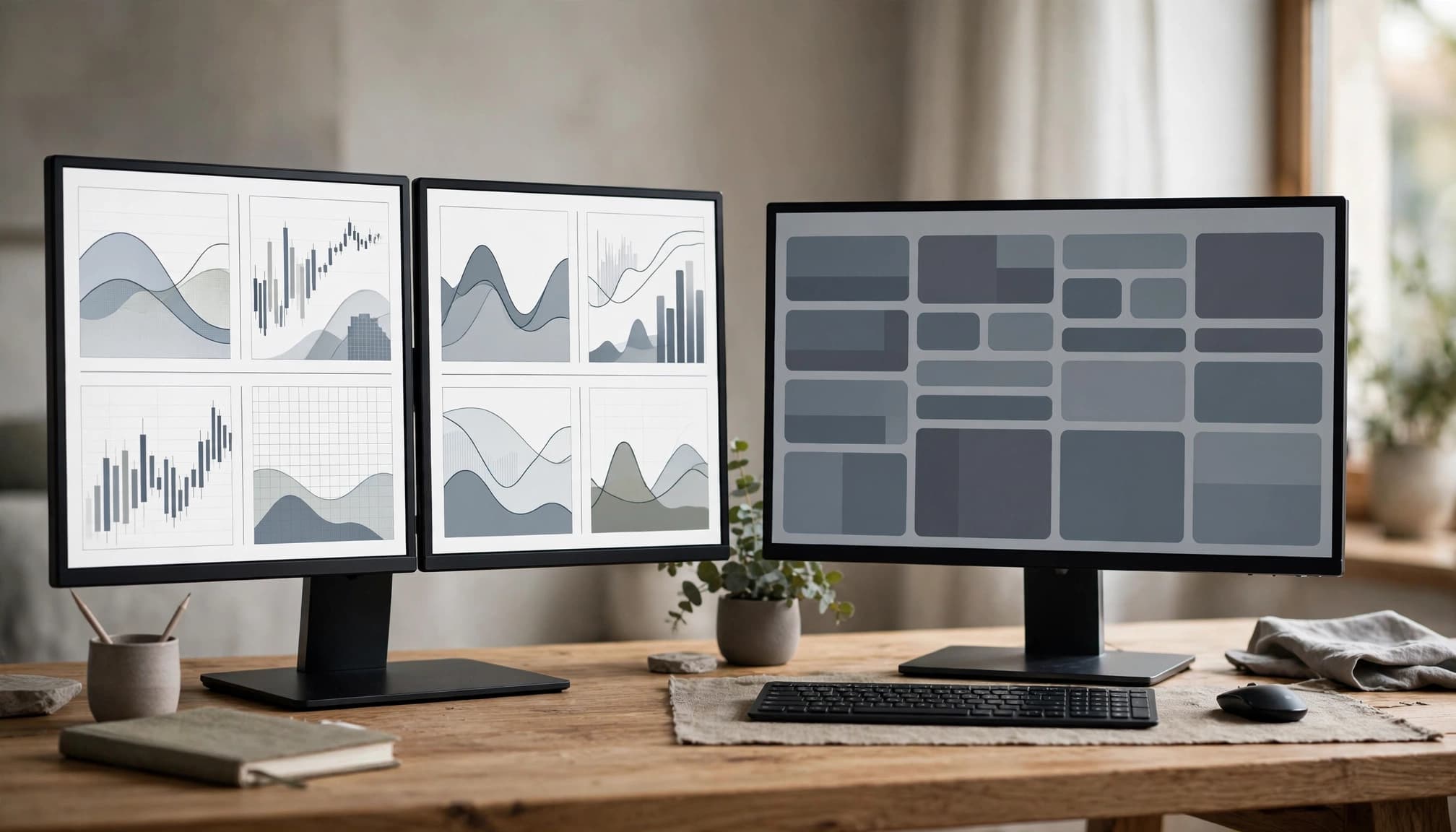
TradingView may appeal if you want to organise charts, compare markets and develop analysis before selecting an execution route. Its chart-focused approach is a meaningful distinction, though it doesn’t make the interface suitable for everyone.
MT4 and MT5 provide chart analysis alongside broker-connected trade management. Traders already familiar with their tools may prefer keeping analysis and orders together.
I would assess readability, drawing tools and saved layouts against your actual routine. Community ideas also need scrutiny. I treat TradingView public ideas and FXstreet.cz trading commentary as research material to question, rather than instructions to follow.
Markets, Orders and Broker Connections
MT4 is mainly associated with forex trading. MT5 has a broader multi-asset design, including support for markets such as futures, but a broker doesn’t necessarily offer every supported category.
TradingView’s chart coverage also exceeds what you can necessarily trade through a connected account. Seeing an instrument on a chart doesn’t establish trading access.
Check the exact instrument, order types, minimum trade size and account eligibility. Your country and contracting entity matter too. EuroGain’s guide to assessing a forex broker covers these account-level checks alongside platform availability.
TradingView, MT4 and MT5 for Automation and Everyday Trading
Automation needs a more careful comparison than a list of programming features. I separate tools that generate analysis, tools that test strategies and systems authorised to submit live orders.
Those functions carry different requirements and risks.
Pine Script Compared with MQL4 and MQL5
TradingView uses Pine Script for custom indicators and strategy work. Its official strategy documentation describes simulated orders and hypothetical results in Strategy Tester. These results aren’t evidence of live broker execution.
MetaTrader’s MQL language family, including MQL4 and MQL5, supports platform indicators and automated trading programs commonly called Expert Advisors. Custom code isn’t automatically portable between platforms.
I would examine the assumptions behind any backtest: data quality, spread, commission, slippage and the periods tested. Slippage is the difference between the expected order price and the price received.
A backtest can omit the costs and execution failures that would affect the same strategy in a live account.
Desktop, Web and Mobile Access
TradingView and MetaTrader provide desktop, web and mobile access options, but availability doesn’t mean identical functionality. Features can differ by product version, operating system and broker support.
A phone may be practical for monitoring positions or making straightforward order changes. It may be less suitable for detailed chart comparisons, coding or supervising a complex automated system.
I would check current product documentation and ask the broker where the intended automation actually runs. Confirm what happens when the device disconnects, the application closes or the service becomes unavailable.
Remote access is useful, but it doesn’t remove the need for reliable connectivity, account controls and a clear procedure for stopping automation.
What TradingView and MetaTrader Really Cost
The cost comparison has two separate parts: access to the platform and the charges attached to your brokerage account. I wouldn’t combine them into a single claim that one platform is cheaper.
Platform Subscriptions and Paid Extras
TradingView access, subscriptions and usage limits vary. Check current official terms for the charting tools, alerts and data you need before paying.
For MetaTrader, examine the broker’s access conditions alongside any purchased indicators, automated programs or hosting services. Paid add-ons can create costs beyond the trading account itself.
Data deserves its own check. Establish whether the relevant feed is real-time or delayed, what it covers and whether additional charges apply.
I wouldn’t pay for features merely because they’re described as advanced. Their value depends on whether they support a task you understand and need.
Check the Full Cost of Trading Through a Broker
Compare the same instrument, account type, position size and holding period. A minimum advertised spread isn’t equivalent to another broker’s typical spread.
The spread is the gap between buying and selling prices. Commission may be charged separately, whilst overnight financing applies to certain positions held beyond the broker’s rollover time.
Include currency conversion, deposit and withdrawal charges, inactivity fees and any minimum commissions. EuroGain’s explanation of spreads versus commission helps distinguish headline pricing from the complete trading cost.
I would also verify the legal entity, local availability, minimum deposit and execution restrictions. UK, EU, EEA and Swiss accounts can have different terms and protections.
Save the applicable fee schedule. Current terms matter more than an old comparison or promotional screenshot.
How to Choose Between TradingView and MetaTrader
My decision framework starts with the work you need to perform, rather than the platform’s popularity. Broker compatibility and account conditions can rule out an otherwise attractive choice.

Match the Tools to the Trading Routine
For chart-led research, compare TradingView’s workspace with the analysis tools available in your broker’s terminal. For automation, establish where the program runs, what permissions it needs and how you can stop it.
Check your preferred devices, supported instruments and order controls before considering paid extras. A demo account can help you understand the interface, though demo fills don’t prove live execution quality.
Leveraged forex and contracts for difference (CFDs) can cause rapid losses. CFDs let you speculate on price changes without owning the underlying asset.
For UK retail CFDs, FCA rules cap leverage at 30:1 for major currency pairs, with lower limits for other assets. Those UK rules shouldn’t be assumed to apply throughout Europe.
When a Combined Setup May Make Sense
Some traders use TradingView for research and MetaTrader for execution. That arrangement may be practical when the broker and available tools support it, but I wouldn’t present it as necessary or superior.
Different feeds can show different prices, session boundaries or candles. Check symbol definitions and contract specifications before transferring an analysis into an order.
A combined setup also adds logins, software dependencies and opportunities for operational mistakes. Confirm where positions are recorded and which system controls amendments and closures.
Before funding either arrangement, compare broker fees and regulation, including the entity serving your country. Neither a second platform nor regulatory authorisation guarantees successful trading.
Frequently Asked Questions
Is TradingView a Broker or a Trading Platform?
TradingView is primarily a charting and analysis platform. Trading through it depends on supported broker connections, account eligibility and location. I would establish which company provides the brokerage account and handles withdrawals before connecting.
Is MetaTrader 4 the Same as MetaTrader 5?
MT4 and MT5 are separate MetaQuotes platforms with different tools and market capabilities. Your broker still determines the products available through its accounts. I wouldn’t assume an account or purchased add-on can move between them unchanged.
Can TradingView Connect to MT4 or MT5?
There’s no universal direct connection that works across all brokers and accounts. Available arrangements depend on the broker and any compatible third-party tools. I would verify setup requirements, support responsibility and permissions before relying on a connector.
Can TradingView Scripts Place Live Trades Automatically?
Strategy simulations and chart alerts don’t, by themselves, establish automatic live execution. An automated route needs compatible execution tools and appropriate permissions. I would check authentication, order validation and failure handling, because coding errors can become real orders.
Which Platform Is Better for Beginners?
I wouldn’t name a universal winner. Choose an interface whose orders, position sizes and account information you can understand, then practise cautiously using simulation where available. Learn margin requirements and loss controls before committing real money.
Are TradingView or MetaTrader Free to Use?
Free access doesn’t establish zero total cost. Subscriptions, paid tools, hosting and broker charges may apply, depending on the arrangement. I would check current platform terms and the broker’s full tariff, including cancellation and renewal conditions.
Choose the Platform, Then Verify the Account
TradingView is often centred on charting and research. MT4 and MT5 connect users to broker trading systems and provide analysis and automation tools.
My advice is to compare actual functionality before choosing a familiar name. Then verify the broker’s legal entity, costs, execution conditions and protections available in your country.
If those details remain unclear, pause before opening or funding the account. No platform can turn uncertain terms or leveraged trading risk into a guarantee of success.