Tickmill VPS can keep supported automated trading software running when your own computer is switched off. The service is powered by BeeksFX, and Tickmill advertises a 20% discount on its packages for clients.
The potential benefit is continuity, not better trading results. A virtual private server, or VPS, is a remote computer that runs software independently of your own device, but it still depends on its own connection and infrastructure.
For anyone considering the service, I think the distinction between hosting claims and trading outcomes is the right place to start.
Key Takeaways
- Tickmill describes its BeeksFX VPS as hosting for MetaTrader 4 and MetaTrader 5 Expert Advisors and signals.
- The advertised offer includes a 20% discount on BeeksFX packages for Tickmill clients. It does not establish a free VPS offer.
- Tickmill claims low latency, dedicated resources and a 100% uptime guarantee, but these are not independent performance measurements.
- Remote hosting can reduce reliance on your home computer, although software faults, connection problems and failed orders remain possible.
- A VPS cannot prevent losses or make an automated strategy profitable.
Unlock Trading Potential with Tickmill VPS Benefits
Tickmill presents its VPS as a way to keep automated trading tools running without leaving your own computer on. I would judge that benefit against your need for continuous operation, rather than assume it improves the quality of trades.
How a VPS keeps automated trading software online
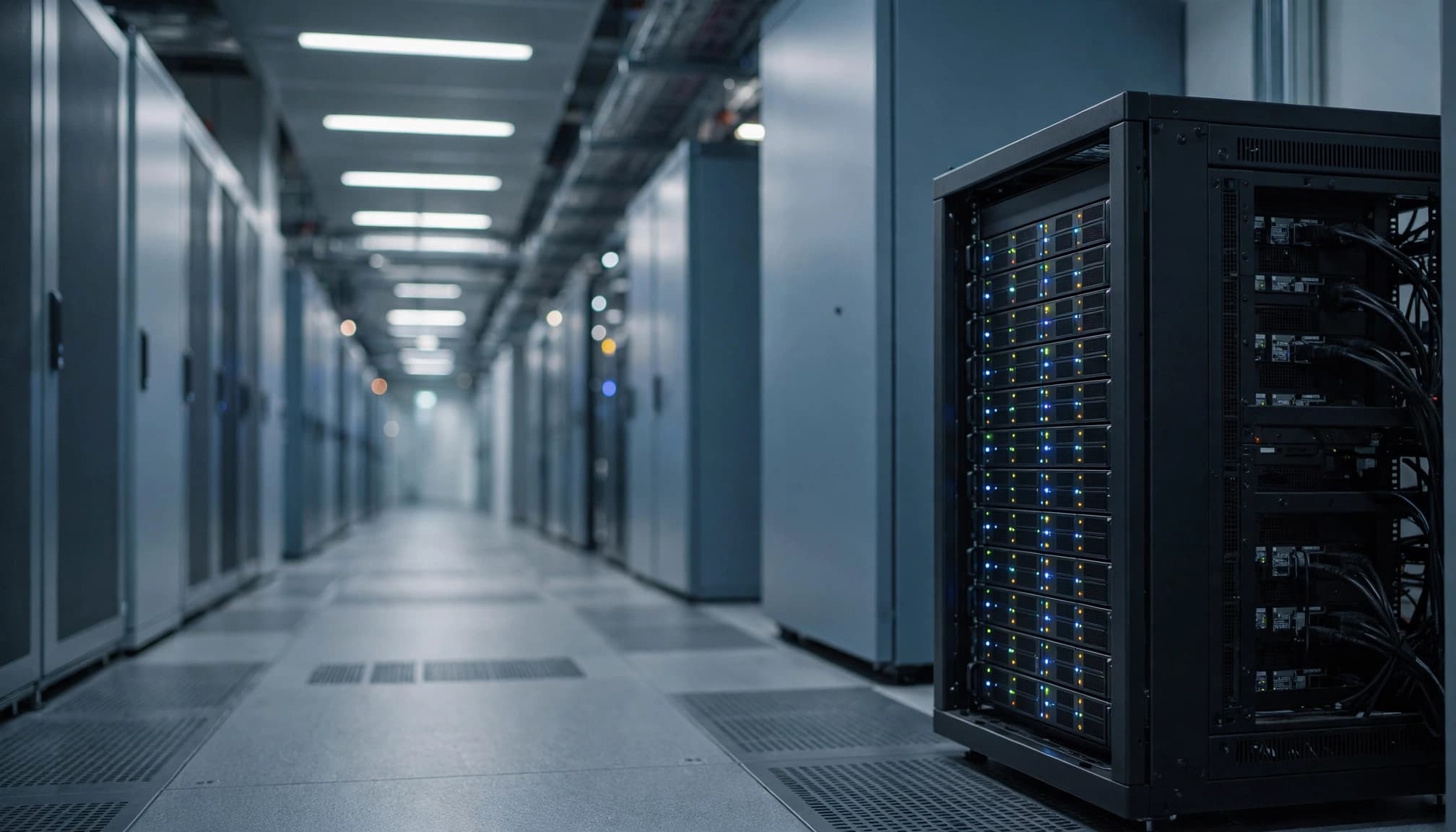
A VPS runs on a remote server. You access it over the internet and run supported trading software there instead of relying on a terminal installed only on your personal computer.
An Expert Advisor, or EA, is a programme that follows trading rules within MetaTrader. If its terminal and the VPS remain operational, the EA can continue working after you shut down your laptop or lose your home internet connection.
That separation has limits. The remote terminal still needs its own connection to the broker, and the EA needs to be running with the intended settings. A VPS outage, platform problem or failed connection can interrupt the process.
You also remain responsible for the programme’s behaviour. Hosting doesn’t tell an EA which strategy to follow, correct an error in its settings or guarantee that an order will reach the market.
What Tickmill says about speed, uptime and support
Tickmill’s VPS page advertises a 100% uptime guarantee, quick setup and 24/7 support through live chat and email. It also describes dedicated CPU and RAM resources and says its servers are close to Tickmill’s infrastructure.
The proximity claim relates to latency, the time data takes to travel between systems. A shorter connection can be useful for automated software, but the available information doesn’t provide measured latency or independent uptime results.
I wouldn’t read the guarantee as proof that an EA will operate without interruption. Server availability, the trading platform and the broker connection are separate parts of the chain. A problem in any one of them can affect trading, even if another part remains available.
Tickmill VPS costs, eligibility and setup
Tickmill advertises a 20% discount on BeeksFX packages for its clients. That is a reduction on a hosting charge, not evidence that the service is free or that the saving outweighs your other trading costs.
The offer is most relevant if you already have a use for remote hosting. Paying for software to run continuously has less value if you only open the platform occasionally or place every trade yourself.
Which platforms and trading tools are supported?
Tickmill names MetaTrader 4 and MetaTrader 5, commonly called MT4 and MT5, for Expert Advisors and signals. Its description does not establish support for every other platform or automated tool.
A trading signal and an EA can both depend on a functioning platform, but they aren’t interchangeable. An EA follows its programmed rules; a signal may involve following instructions or trades generated elsewhere. In either case, the platform’s operation doesn’t establish that the trading method is suitable or profitable.
Your choice of platform also involves more than hosting. Our comparison of MetaTrader and TradingView features considers differences between charting tools and broker-connected trading platforms.
Running an EA requires attention to its settings and permissions. I would treat those as separate decisions from choosing where the terminal runs: a remote computer can run the same incorrect configuration as a local one.
What to check before paying for a package
The 20% discount is meaningful only against a charge you would otherwise be willing to pay. A recurring hosting expense should sit alongside the costs of the strategy, not disappear behind the headline saving.
Trading charges can include the spread, which is the difference between the quoted buying and selling prices. Depending on the account and instrument, commission and overnight financing may also apply. None becomes irrelevant because the terminal runs on a VPS.
The agreement’s billing, renewal and cancellation provisions affect the value of any subscription. So do the permissions attached to the software and the way you can stop it if something goes wrong. I would keep remote-access credentials private and retain a separate way to view the trading account.
Our guide to FxPro VPS requirements and limitations offers a comparison with another BeeksFX arrangement. Its conditions shouldn’t be assumed to apply to Tickmill.
When a Tickmill VPS may help, and where its limits matter
The main reason to consider a Tickmill VPS is operational: you want supported software to run without keeping your personal computer switched on. Whether that convenience is worthwhile depends on how you trade and how much interruption matters to your setup.
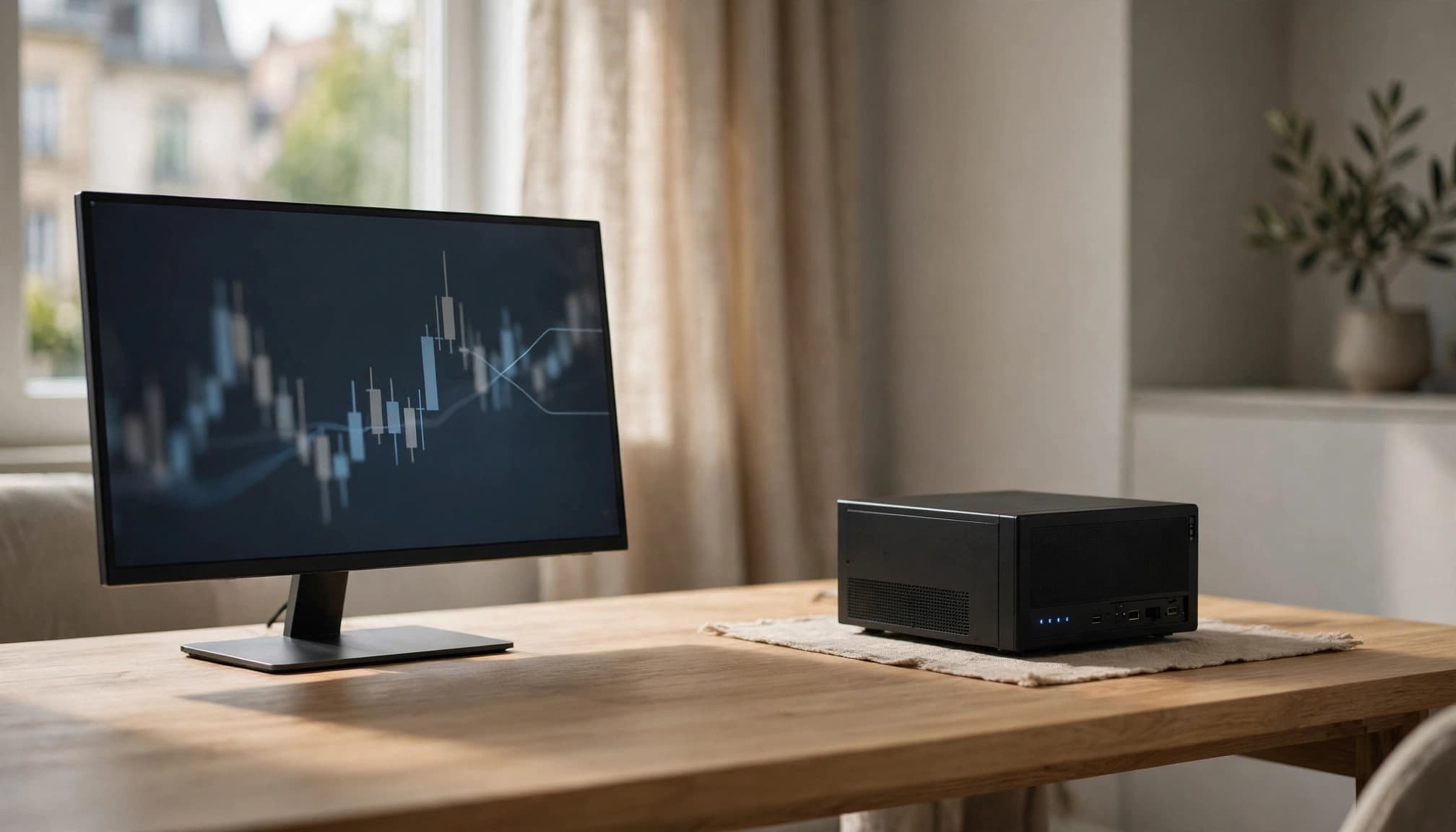
Who may benefit from remote hosting?
A VPS may suit you if you already use an MT4 or MT5 EA that needs the terminal to stay active. It can reduce dependence on your own device’s power supply and home internet connection.
The case is weaker for a manual trader who opens the platform only when placing or reviewing trades. If no programme needs to operate while you’re away, a subscription may add an expense without solving a problem you have.
I would also consider how you plan to monitor the account. Stopping an automated programme doesn’t necessarily close existing positions or cancel pending orders. Being able to inspect the account directly matters if the software or remote connection becomes unavailable.
A demo environment can help you understand controls and software behaviour. However, demo conditions may differ from live liquidity, spreads and execution, so a successful demonstration doesn’t establish future performance.
A VPS does not make an automated strategy profitable
Hosting can keep software available; it cannot remove the financial risk of the instructions that software sends. Market gaps, volatility, spreads, slippage and rejected orders can affect a trade even when the terminal is online.
Slippage is the difference between an expected price and the price at which an order fills. Our explanation of forex slippage during major news releases shows why a working connection cannot guarantee the intended price.
Leveraged trading can magnify losses as well as gains. The UK’s Financial Conduct Authority has warned about risks and protections for CFD investors. That warning concerns CFDs generally, not a finding about Tickmill’s VPS.
Account protections and product availability can differ across European jurisdictions. A hosting feature doesn’t establish what protections apply to a particular trading account.
Frequently Asked Questions
Is Tickmill VPS free?
Tickmill advertises a 20% discount on BeeksFX packages for its clients. The available service information doesn’t establish a free VPS offer, so I wouldn’t treat the discount as equivalent to free hosting. Any hosting charge is separate from the costs of trading.
Does Tickmill VPS support MT4 and MT5?
Tickmill names both MetaTrader 4 and MetaTrader 5 in its description of hosting for Expert Advisors and signals. That supports the use case described in its offer, but it doesn’t establish compatibility with every automated tool or other trading platform.
Will a VPS reduce trading latency?
It may, depending on the connections involved. Tickmill says its servers are close to its infrastructure and claims low latency, but the available information gives no measured latency figure or independent test result. Actual performance can vary.
Does a VPS guarantee that an Expert Advisor stays online?
Tickmill advertises a 100% uptime guarantee, but that isn’t an absolute promise that an EA will trade without interruption. A platform fault, incorrect setting or broker connection problem can affect the programme even when hosting is available.
Can a Tickmill VPS prevent trading losses?
No. A VPS provides hosting, while the trading account remains exposed to market movements and execution conditions. Software settings, spreads, slippage and other charges can also affect results, and leverage can magnify losses.
What matters before signing up?
The practical considerations include the hosting charge, the advertised discount, supported software and the agreement’s billing and cancellation provisions. I would also consider whether you need continuous operation and how you would monitor the account if the programme stopped.
A hosting decision, not a trading guarantee
Tickmill VPS may be useful if you need MT4 or MT5 automated software to run while your own device is offline. Its benefit is convenience, subject to the remote server, platform and connection continuing to work.
I would weigh that benefit against the cost and your actual need for continuous hosting. Availability and conditions can differ by country and account. Above all, uptime claims don’t promise trading success.