

IC Markets’ TradingView connection lets eligible cTrader account holders place trades through TradingView, but the documentation doesn’t establish access on every device. I see the practical appeal if you already use its charts for research: fewer changes between analysis and order entry.
The account requirement matters more than the convenience claim, because a broker listing doesn’t establish which accounts, markets or devices are supported. TradingView access also leaves trading costs and market risk in place, including commission, spreads, financing and losses caused by adverse price movements.
The documented cTrader connection is the starting point for understanding what this arrangement offers and where its limits remain.
Key Takeaways
- The documented connection requires an eligible IC Markets cTrader account, rather than any account carrying the broker’s name.
- Connection guidance points to “Trade on TradingView” under Accounts in the IC Markets Secure Client Area.
- The documentation doesn’t establish universal support across browsers, desktop applications and mobile apps.
- IC Markets Global publishes commission of USD 3 per USD 100,000 traded, per side, for forex and metals.
- Total costs, available instruments and account protections depend on the applicable account and contracting entity.
How IC Markets’ TradingView connection works
TradingView provides the charting and trading interface, whilst the linked IC Markets account supplies the brokerage relationship. Connecting the two changes where you enter orders. It doesn’t replace the account’s execution arrangements, pricing or contractual terms.
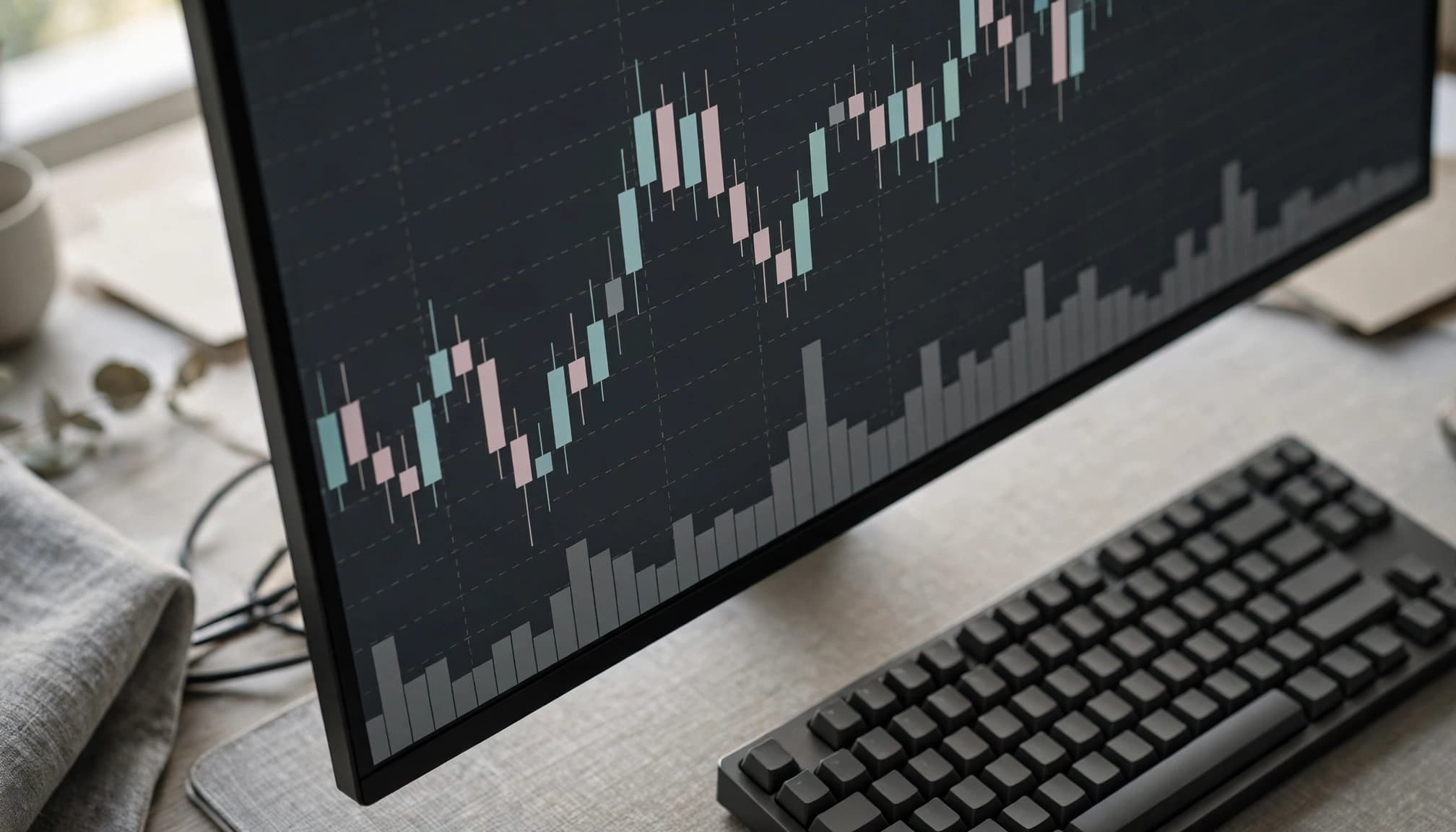
Check the account requirement before connecting
TradingView’s IC Markets connection guidance identifies a cTrader account as the prerequisite. Having an IC Markets client login alone doesn’t establish that the trading account attached to it is compatible.
That distinction matters because the client area and trading account perform different jobs. The client area manages your relationship with the broker; an individual account has its own platform assignment and conditions.
Account descriptions also differ between entities. IC Markets Australia’s help material identifies its cTrader Raw Account for TradingView access. That Australia-specific requirement shouldn’t be assigned automatically to every other IC Markets entity.
Connect through the IC Markets client area
The documented route begins in the IC Markets Secure Client Area. Open Accounts, locate the eligible cTrader account and select “Trade on TradingView”. Continue through the connection process using the required cTrader account credentials.
This is the supported sequence described in the guidance. It isn’t a promise that every client will see the same option, regardless of their entity or account arrangement.
I would distinguish a completed connection from a functioning trading workflow. Successful authentication establishes access to the linked account. It doesn’t demonstrate that a particular instrument is tradeable or that every chart control can manage a position.
The selected account also matters when several accounts sit beneath one client profile. Platform access belongs to the eligible account, rather than automatically extending across the whole profile.
Can you trade with IC Markets on desktop, web and mobile?
The documentation supports the cTrader-based connection, but it doesn’t establish universal compatibility across TradingView’s browser interface, desktop application and mobile apps. That leaves the claim of trading “on any device” unsupported.
The existence of a TradingView app doesn’t prove that this broker connection offers identical functionality within it. A charting application can remain useful for research without providing the same broker-connected trading controls elsewhere.
Separate TradingView features from broker-confirmed tools
TradingView has charting, analysis and trading functions, but those categories shouldn’t be treated as interchangeable. An indicator interprets data. An alert identifies a condition. A backtest models historical behaviour. None establishes that a live order has reached IC Markets.
The same restraint applies to order types and position controls. General TradingView documentation doesn’t establish which functions this particular connection exposes.
TradingView’s guidance on non-tradeable symbols after connecting also illustrates an important distinction: displaying a chart and having permission to trade its instrument are separate matters.
Test the workflow before relying on it
I would assess the intended device through a practical trial: account login, chart access, order entry and position controls. The ability to amend or close a position deserves as much attention as opening one.
Where demo access is available, it can reveal awkward layouts, unclear sizing controls or an unsuitable screen size without putting live funds at risk. It can also help you distinguish chart tools from account controls.
However, demo usability isn’t evidence of live execution quality. Simulated trading doesn’t establish how a live order will fill during volatility, spread widening or reduced liquidity.
What it costs, what you can trade and what to check first
IC Markets’ TradingView access doesn’t replace the linked account’s tariff. I assess the complete transaction cost, rather than the interface’s convenience.
Understand the spread and commission together
IC Markets Global’s commission schedule publishes USD 3 per USD 100,000 traded, per side, for cTrader and TradingView. It applies to forex and metals, varies by account type, and is converted into the account’s base currency at the current spot rate.
That is an entity- and instrument-specific commission statement, not a complete price for every market.
The spread is the gap between buying and selling prices. Overnight financing, conversion and other applicable charges can add costs. Our raw spread account comparison explains why minimum spreads don’t establish the cheapest overall account.
Confirm eligible markets and your local account terms
The documentation doesn’t establish a complete TradingView instrument list. Its forex and metals commission statement isn’t a full catalogue of available markets.
Residence, contracting entity, client classification and instrument specifications determine the relevant arrangement. UK, EU, EEA and Swiss arrangements aren’t interchangeable. A Global pricing page doesn’t establish European eligibility.
Our forex broker comparison guide separates brand-level descriptions from account costs and protections.
Keep execution and trading risks in view
The broker account governs execution and charges. Charts can’t guarantee a fill at the displayed price.
Leverage magnifies exposure relative to deposited margin. Volatility can widen spreads, whilst slippage creates a difference between expected and executed prices. Financing can increase the cost of holding a position.
Regulatory authorisation doesn’t prevent ordinary trading losses or make protections identical across countries. A convenient interface doesn’t reduce the exposure created by an oversized position.
Frequently Asked Questions
Can an IC Markets MT4 or MT5 account connect to TradingView?
The documented IC Markets route requires a cTrader account. It doesn’t establish a direct connection using MT4 or MT5 credentials, even when those accounts belong to the same client profile. Selecting another interface doesn’t change an existing MetaTrader account’s platform assignment.
Does the IC Markets connection work on the TradingView mobile app?
The available documentation doesn’t confirm mobile-app support for this particular connection. I wouldn’t describe mobile trading as an established feature on that basis. Browser access, desktop-app access and mobile-app access are separate capabilities, so evidence for one shouldn’t be transferred to another.
Which markets can you trade through the connection?
The documentation doesn’t provide a complete list of tradeable instruments through IC Markets’ TradingView connection. Account-specific instrument availability determines trading access, rather than TradingView’s wider chart catalogue. The presence of a familiar currency pair, index or share chart therefore doesn’t establish that your linked account can trade it.
Does TradingView access change IC Markets’ trading fees?
Using TradingView doesn’t remove spreads, commission or applicable financing charges. IC Markets Global’s quoted commission concerns forex and metals under its stated account conditions. It doesn’t establish the total charge for a different entity, another instrument or a position held overnight.
Why might an IC Markets login be rejected?
TradingView identifies the absence of the required cTrader account as one possible explanation for a “Wrong username/password” error. That doesn’t mean every rejected login has the same cause. The message alone isn’t proof that changing a password will resolve an account-compatibility issue.
Conclusion: The account comes before the interface
IC Markets’ TradingView connection has a documented cTrader route, but that doesn’t establish universal device support, market access or country eligibility. I regard chart-based order entry as a usability feature, not evidence of lower costs or better execution.
The useful assessment starts with the eligible account and its total costs, followed by a trial of the intended workflow. A successful login is only one part of that assessment; live trading still carries the risks of the underlying position.