

Forex price alerts let you monitor a chosen currency pair without watching its chart continuously. They report that a price condition has been met, but they don’t guarantee a trade, an execution price or a profit.
That distinction matters when markets move quickly or you rely on a notification to manage an open position. I treat an alert as a monitoring aid, with its settings and limitations as important as the level itself.
Key Takeaways
- A forex price alert reports a condition on a selected data feed. It doesn’t submit an order or confirm that a trade has been filled.
- The monitored price field matters. Bid and Ask can reach the same level at different times because they include the spread.
- TradingView and MetaTrader 5 offer different alert settings, notification routes and expiry controls. Features and limits vary by account.
- Notifications can arrive after prices have moved. Gaps, wider spreads and slippage can also affect a subsequent trade.
- Alerts support a trading plan, but they don’t predict market direction or replace protective orders and risk controls.
Forex Price Alerts: What They Can and Cannot Do
A forex price alert watches for a condition you choose. For example, you could ask a platform to notify you if its EUR/USD Bid falls below 1.0800. That figure is an illustrative threshold, not a suggested trading level.
The alert tells you about the platform’s recorded price. What happens afterwards depends on your response and any separate instructions you have given your broker.
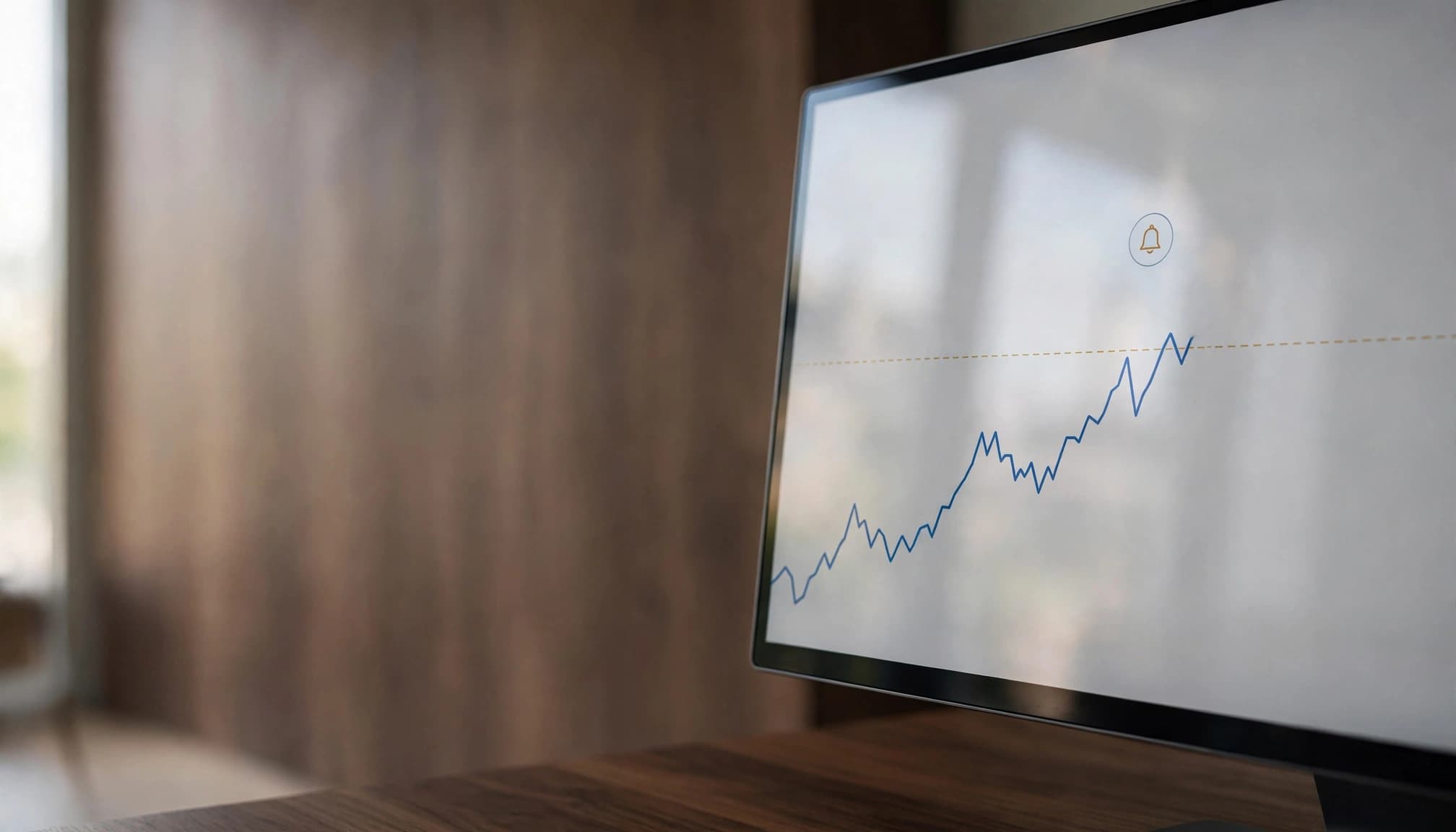
What happens when a currency pair reaches your alert level?
The platform monitors its data feed against your chosen condition. When that condition is met, it can trigger an action such as a sound, push notification, email or webhook, depending on the platform and your settings.
The reference price matters. The Bid is generally the quoted price at which you can sell, while the Ask is generally the price at which you can buy. The difference between them is the spread.
If EUR/USD’s Bid falls below your threshold, its Ask may remain above that level. An alert using Ask could therefore fire at a different time, or not fire at all. The feed and the precise above, below or crossing condition also affect the result.
An alert reports what its own platform observed. A separate broker’s quote may differ, particularly when prices change quickly.
Why an alert cannot place or guarantee a trade
A notification and an order are different instructions. An alert asks a platform to report an event. An order tells a broker what you want to buy or sell, under the conditions attached to that order.
Even after you submit an order, submission, acceptance and execution are separate stages. The broker may fill it at a different price, leave it unfilled or reject it, depending on the instruction and market conditions.
Our guide to forex order types explains how market, limit and stop instructions differ. I wouldn’t treat an alert on its own as evidence that any of those instructions has reached a broker.
How to Set Up Forex Price Alerts on TradingView and MetaTrader 5
TradingView and MetaTrader 5 both offer alerts, but their menus and available conditions differ. The following approach focuses on the documented features of each platform rather than assuming every broker’s implementation is identical.
Choose the price condition and trigger frequency
In TradingView, open the chart for the instrument you want to monitor and create an alert. Select the relevant condition, enter the level and choose how often the alert should trigger.
For regular price-based alerts, TradingView offers Only Once and Every Time. Some interval-dependent alerts offer additional choices, including triggering at bar close. A bar-close condition waits for the relevant chart bar to finish, so it differs from a notification during that bar.
In the MetaTrader 5 desktop terminal, you can create an alert through the Alerts tab in the Toolbox. Its conditions include Bid, Ask and Last above or below a selected value. Other documented conditions cover volume and time.
Last refers to the last recorded transaction price where that field is available; it isn’t interchangeable with Bid or Ask. For either platform, the symbol and data source are part of the condition, not background details.
Select a notification method and check expiry limits
TradingView offers notifications through its app, email and sound, among other routes. App notifications require the mobile app, notification permission and the relevant alert setting to be enabled.
TradingView also offers webhooks. A webhook sends an HTTP request to a designated address, allowing a separate system to receive the alert. That request is an information transfer; order placement requires a separately configured execution process.
Standard TradingView alerts have a maximum lifetime of two months. Premium and Ultimate users can choose an open-ended alert, although eligibility and alert types differ. An open-ended setting also doesn’t mean an inactive alert will remain active indefinitely.
MetaTrader 5 supports sound, email, mobile push notifications and a file action. Email and push require platform configuration. Its alert editor also lets you set a repeat interval, maximum repetitions and an expiry time.
I would use the platform’s test function where available, then confirm that the intended device receives the message. A working sound on a desktop doesn’t establish that a phone notification is configured.
When Price Alerts Help, and When They Fall Short
An alert can reduce the need to watch a chart continuously. It can draw your attention to a level relevant to your research or an existing position, but its usefulness depends on what you do after it fires.
Use alerts to monitor levels, not predict the market
A notification that EUR/USD has reached a selected area gives you a reason to look at the market. It doesn’t tell you whether the price will reverse, continue moving or remain near that level.
I would separate that observation from the rest of a trading decision. An alert might prompt you to review the spread, current news and your existing exposure. It can also lead you to decide that the conditions you expected are absent and take no action.
A trading signal makes a different claim: it suggests that a setup or action has significance. Our discussion of AI trading signals and their limitations explains why identifying a pattern doesn’t establish a profitable strategy.
Even a TradingView strategy alert based on a simulated fill differs from confirmation of a broker fill, as the PineConnector trading glossary distinguishes. Research, simulation and live execution each require their own evidence.
Plan for delays, price gaps and slippage
A price can move beyond your threshold before a notification reaches you. Data processing, internet connectivity, device settings and the notification route all form part of the chain. A later manual order adds another stage, with its own execution conditions.
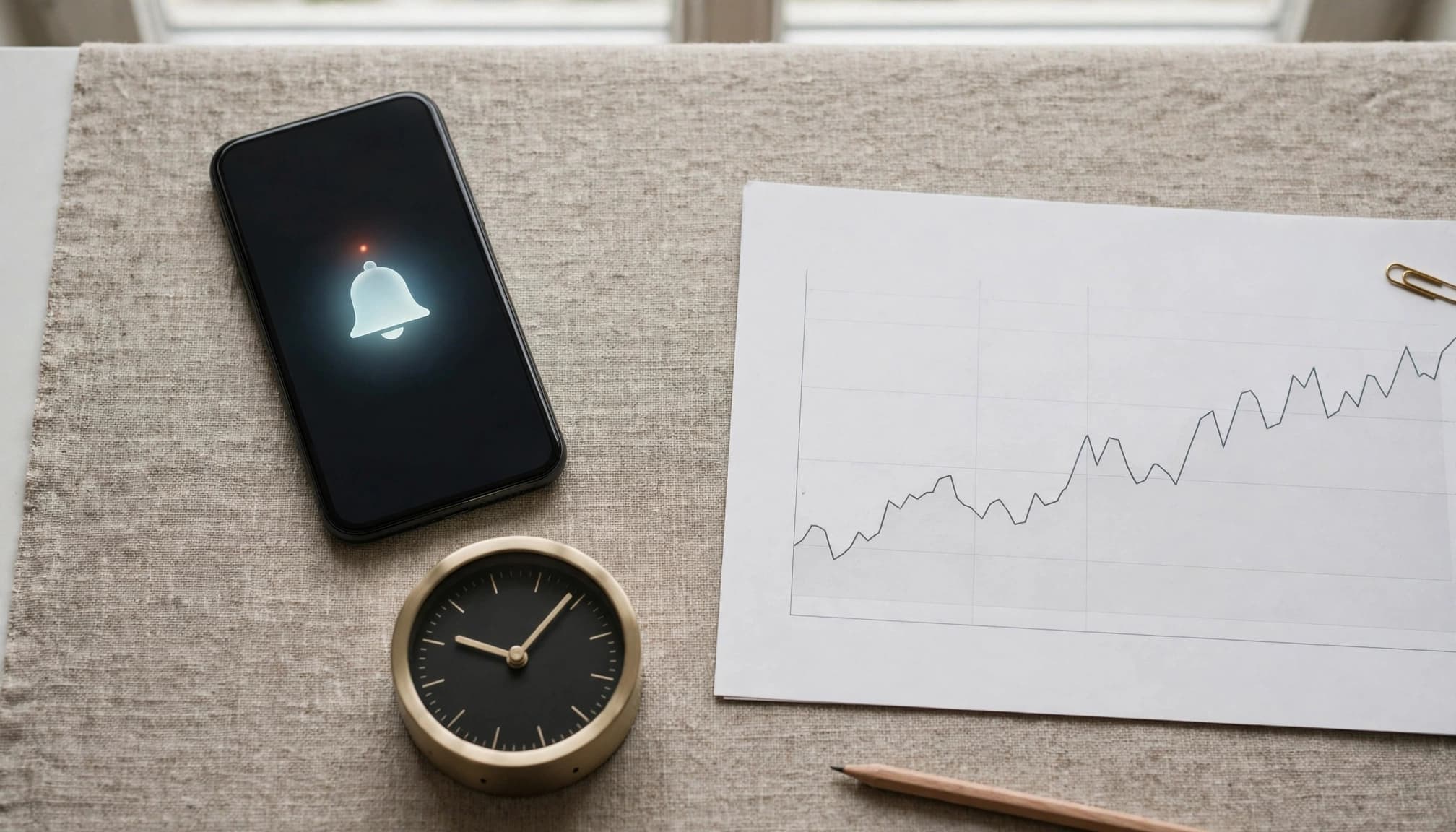
Major economic releases can bring rapid price changes, wider spreads and reduced liquidity. A gap can also leave the next available quote beyond a watched level. Neither situation guarantees that you can act at the price in the alert.
Slippage is the difference between an expected or requested price and the eventual fill. It can be favourable or adverse. An ordinary stop-loss sets an exit trigger but doesn’t reserve its trigger price, so a gap can increase the realised loss.
Our explanation of forex slippage during major news releases looks more closely at those execution risks.
Build a reliable routine around each alert
Before relying on an alert, I would establish its purpose and intended response. An alert for research may only call for a chart review. One concerning an open position may require a closer look at exposure and existing orders.
Use the correct pair, price field, condition and frequency. Set an appropriate expiry and notification route, then test delivery where the platform permits it. Keep the relevant device and connection available, but recognise that neither guarantees uninterrupted service.
Finally, consider the account behind the platform. Leverage increases exposure relative to the margin committed and can magnify losses. Spreads, commissions and overnight financing can also affect results. Our guide to forex position sizing explains how trade size relates to planned cash risk.
Frequently Asked Questions
Can a forex price alert trigger automatic trading?
A basic alert reports a condition rather than placing an order. Separate automation can use an alert as an input, but it needs an authorised connection and configured order instructions.
That arrangement adds technical and execution risks. An alert event doesn’t guarantee that the connected system submits an order or that a broker fills it.
Will an alert arrive as soon as the price reaches the level?
There is no universal delivery time for forex alerts. The result depends on the data feed, trigger settings, platform processing and notification route.
A phone without connectivity or notification permissions may not display the message when you expect it. A price can move again before you see it.
Can a price alert protect an open forex position?
An alert can warn you that a selected condition has occurred, giving you a chance to review the position. It doesn’t close the position by itself.
A protective order is a separate instruction. Even then, an ordinary stop-loss doesn’t guarantee a fill at its trigger price, particularly during a gap.
Do forex alerts use the same price on every platform?
No. A platform may offer conditions based on Bid, Ask, Last or another defined input, while the available data can differ by symbol and provider.
That means two alerts with the same numerical threshold needn’t trigger together. The condition matters as much as the number you enter.
Are forex price alerts free to use?
Availability and limits depend on the platform, account and subscription. A service may offer alerts without a paid subscription while restricting how many you can use or which features are available.
TradingView’s standard alert lifetime differs from the open-ended option available on certain paid plans. Those platform features shouldn’t be assumed to apply to MetaTrader 5 or a broker’s own tools.
Do price alerts work when a market is closed?
Alert behaviour depends on the instrument, provider and available market data. If no new relevant quote is available during a closure, there may be no new price for the condition to assess.
When trading resumes, the next quote can differ from the previous one. It may already be beyond the level you wanted to monitor.
A Useful Alert Still Needs a Plan
Forex price alerts can make monitoring more manageable, but they cannot predict the next move or guarantee delivery and execution. I see their value in drawing attention to a defined condition, not in promising an outcome.
The strongest distinction is between a notification and an executed trade. Keep that separation in mind when assessing settings, order instructions and the risks attached to your account.